

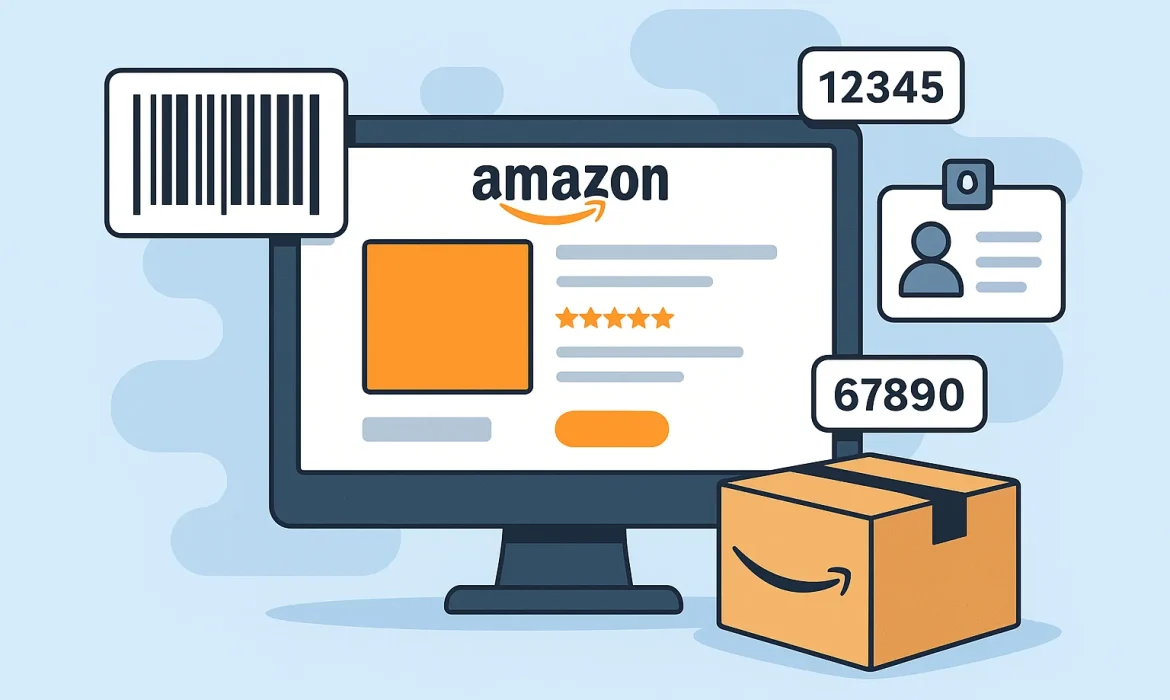
If you want to sell on Amazon, every product you list needs a unique Product ID. This ID helps Amazon organize its huge catalog and ensures your product is searchable and correctly displayed to customers. But for new sellers, figuring out what a Product ID is and how to get one can be confusing.
Lets break down what Product IDs are, why they’re important, and how you can get one for your Amazon listing.
A Product ID is a unique identifier that Amazon requires when you create a new product listing. It helps Amazon match your product to existing products in its catalog, or create a new catalog entry if it doesn’t exist.
The most common types of product IDs are:
If you’re reselling branded products, they likely already have a UPC, EAN, or ISBN. You can usually find it:
If the product is already on Amazon, you can match it using the existing ASIN (Amazon Standard Identification Number) without entering a new ID.
If you’re selling your own product or something without a barcode, you’ll need to purchase a valid Product ID.
The official source is GS1 the global organization that issues UPCs and GTINs. Amazon prefers GS1-registered codes because they ensure authenticity.
Avoid cheap “third-party” barcodes from unofficial sellers—Amazon often rejects them.

If your product doesn’t have a UPC/EAN/ISBN and you don’t want to buy one, you can apply for a GTIN Exemption. This is useful if you:
How to apply:
Once approved, you can list without a standard Product ID.
When you create a new listing in Seller Central, you’ll be asked to provide a Product ID. Simply:
The ASIN is Amazon’s internal product identifier, and it will be the main reference for your product going forward.
Getting a Product ID is a necessary step in listing products on Amazon. If you’re reselling, check your packaging or supplier first. If you’re creating your own product, purchase UPCs from GS1 or apply for a GTIN Exemption.
With the right Product ID, you’ll be able to create listings smoothly and start selling on Amazon without delays.
Not sure where to start or how to scale your Amazon business? Let’s talk! Our experts will guide you with tailored strategies to help you launch, grow, and succeed — the Aussie way. No pressure, just real insights.

email@yoursite.com

27 Division St, New York, NY
10002, United States

We focus on the needs of small to middle market businesses to improve and grow their return.
2025 © All rights reserved by Amazon Mate. Created by MH Tech Solutions Pvt Ltd
 Optimized by Seraphinite Accelerator